
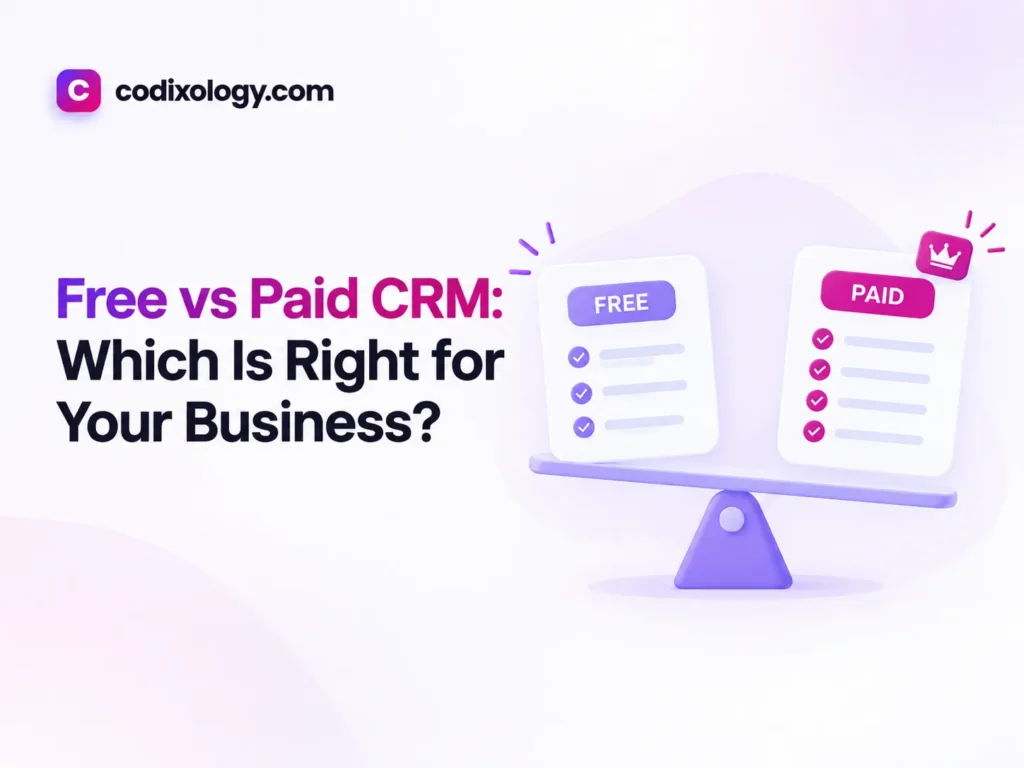
Free vs paid CRM comes down to where your business is right now: a free plan is the right call for solo founders and teams of one or two with a modest contact list and a simple pipeline, and a paid plan is worth it once you hit a user or contact cap, start doing by hand what a paid tier would automate, or need reports the free tier cannot produce. Start free unless you already know you need paid features on day one, then upgrade for reasons you can name. This guide covers what free plans include, where their limits sit, the signals that say it is time to pay, and what upgrading costs once you have decided your business needs a CRM.
Free vs paid CRM: the short answer
A free CRM is a good starting point for solo founders, very small teams, or anyone testing whether a CRM fits their workflow before spending money. A paid CRM earns its fee once your team, contact volume, or need for automation and reporting outgrows what free tiers offer. Neither is better in the abstract. Match the tool to the size and shape of your business today.
What a free CRM typically includes
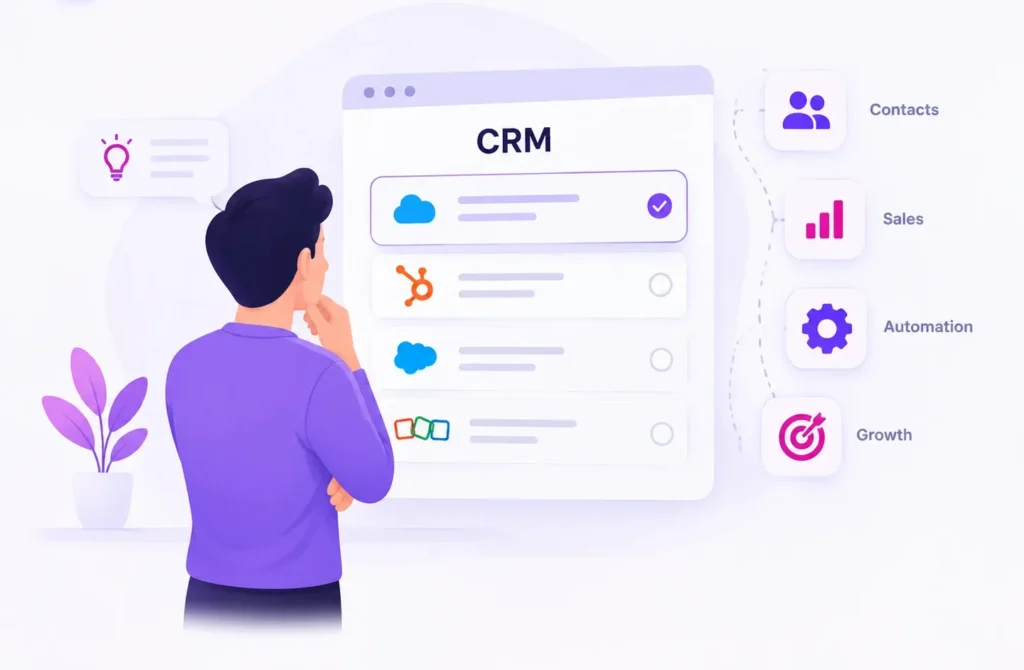
Most reputable free CRM plans (HubSpot’s free tier is the best known example) give you a usable core:
- Contact and company records
- A basic sales pipeline
- Email logging or integration
- Task reminders
- A limited number of users (often 1-2, sometimes more)
- Basic reporting
That is enough for many small operations to run a real sales process without paying anything. A free plan is a working tool with a ceiling, and the question is whether your business sits under that ceiling or keeps bumping into it.
Free CRM limitations to know before you rely on one
Most free vs paid comparisons stay vague here. These are the limits that tend to matter in practice:
| Limitations | Why Does It Matter? |
| Contact or record caps | Some free plans cap total contacts, forcing an upgrade once you hit growth |
| Limited users | Free tiers often support only 1-5 users; adding teammates may require a paid plan |
| Basic automation only (or none) | Follow-up reminders may exist, but multi-step automated workflows usually don’t |
| Limited reporting | You may see basic pipeline stats but not deeper conversion or team-performance reports |
| Branding on emails | Some free plans add the CRM’s branding to outbound emails |
| Restricted integrations | Free tiers sometimes limit which other tools (email marketing, accounting) you can connect |
| Support level | Free users typically get community or email support only, not priority or phone support |
None of these make a free CRM bad. They define how far it will take you.
When free is the right choice
Free makes sense when:
- You are testing whether a CRM fits your workflow at all, before committing a budget.
- Your team is one or two people, within most free-tier user limits.
- Your contact volume is modest and well under any plan caps.
- You do not yet need advanced automation or reporting, and basic pipeline tracking covers your needs.
- The budget is tight, and a free, working tool beats no system at all.
If that describes you, there is no reason to upgrade early. A free CRM you use every day beats a paid CRM sitting half configured because nobody wanted to spend the setup time.
When to upgrade to a paid CRM
The signals for upgrading are usually specific and easy to spot:
- You have hit a contact or user cap and cannot add a new team member or import more leads.
- You are doing something by hand that a paid plan would automate, like sending follow-up sequences one at a time.
- You need reporting the free tier does not offer, such as conversion rates, team performance, or lead sources.
- You need integrations that sit behind the paywall, like connecting the CRM to email marketing, accounting, or other core tools.
- Client-facing branding matters, and free-tier watermarks look unprofessional for your stage.
- You need better support, because a technical issue is now costing you business time.
If two or more of these apply, the paid plan is probably already cheaper than the workaround you are living with.
Free vs paid CRM side by side
| Factor | Free CRM | Paid CRM |
| Cost | $0 | Typically $10-$100+ per user/month depending on tier and provider |
| Core pipeline & contacts | Yes | Yes |
| User limits | Usually 1-5 | Scales with plan, often unlimited on higher tiers |
| Automation | Basic or none | Multi-step workflows, triggers, sequences |
| Reporting | Basic | Advanced, customizable dashboards |
| Integrations | Limited | Broader, sometimes including premium connectors |
| Support | Community/Email | Often priority, sometimes phone/chat |
| Best For | Solo founders, early testing, tight budgets | Growing teams needing automation, reporting, and scale |
How much does upgrading cost?
Paid CRM pricing varies a lot by provider and tier, and because most plans charge per user, the cost grows with your team. Many people miss this when budgeting. A plan that looks affordable at $15 per user per month is a different number once you are paying for five or ten seats.
Our CRM cost guide lists current pricing and what each tier unlocks. Read it before you commit, since marketing pages tend to lead with the lowest price while burying what that tier leaves out.
A worked example: watching the upgrade signal appear
Consider a hypothetical small ecommerce brand run by two founders. They start on a free CRM to track wholesale inquiries and partnership leads. For the first few months it works fine. The pipeline holds maybe 15 active leads at a time, and the free tier’s two-user limit matches the team exactly.
Six months in, they hire a part-time sales coordinator and hit the user cap. Around the same time they notice they are copying lead data into their email marketing tool by hand every week, which a paid tier’s native integration would handle. They also cannot answer “which lead source converts best” because the free tier’s reporting does not break that down.
Any one of these on its own might not justify an upgrade. Together, a hard user-limit block, a recurring manual task, and a real reporting need make the case. They move to a mid-tier paid plan and the weekly copying job disappears within a week of setup. That is the pattern to watch for: specific, repeatable friction you can point to, rather than a vague sense that you probably need more.
Hidden costs on both sides
Free is not always entirely free, and the paid sticker price is not always the whole bill. A few things to check on either side:
- Staff time on the free tier. If the free plan lacks automation, someone is filling that gap by hand, and their time costs money even without an invoice.
- Minimum seats on paid tiers. Some providers require a minimum number of paid seats even if your team is smaller, which raises the real monthly cost.
- Add-on pricing. Certain integrations or premium features may cost extra even on a paid plan, so check whether the feature you need is included or sold separately.
- Annual discounts. Paid plans often charge less for annual billing, but that means committing before you have confirmed the tool fits long term.
Checking these against your own situation, rather than comparing list prices alone, gives a far more accurate picture of what each option costs.
A practical way to decide
- Start free if you have not already. Even if you expect to upgrade eventually, a free plan lets you confirm workflow fit before spending money.
- Track what you are missing. Keep a running note of every “I wish this did X automatically” or “I wish I could see this report” moment. A pattern there is your upgrade signal.
- Compare that pattern against paid-tier features, not against everything a paid plan offers. You are upgrading to solve specific problems.
- Work out the real monthly cost at your actual team size before deciding, using our CRM cost guide.
- Revisit in 3-6 months if you are not upgrading now. Needs shift as a business grows.
One more check before you pay: confirm your team will adopt the feature you are upgrading for. A common mistake is paying for a plan to get one feature, never finishing the setup, and paying every month anyway. A feature you pay for and do not use is no better than a free plan you use fully.
What if you outgrow a plan mid-contract?
If you are on an annual paid plan and outgrow it before renewal, most providers allow mid-cycle upgrades, typically charged pro-rata for the rest of the term. Downgrading mid-contract is usually more restricted, so pick a tier you are reasonably confident fits the next several months rather than the exact minimum today. If you are unsure, a monthly paid plan, even at a slightly higher rate, keeps your options open while you confirm the right tier.
Related reading
- What is a CRM? A simple guide
- How much does a CRM cost in 2026
- HubSpot Free CRM review: is it good enough?
The bottom line
Free vs paid CRM is a question to revisit as your business changes. Starting free and upgrading only when you hit specific limits is the lowest-risk path for most small businesses. Upgrade for reasons you can name, and not because a paid plan has a longer feature list.
Wondering which free CRMs are worth using? See our picks in best CRM software for small business, including where each one’s limits kick in.
Frequently asked questions
Is a free CRM good enough for a real business, or just a trial?
Genuinely good enough for many small businesses, not just a stripped-down trial. Reputable free CRMs offer real, usable functionality; the limitations are about scale and advanced features, not core usability.
What’s the biggest limitation of free CRMs?
Most commonly, user limits and lack of advanced automation. If you’re a solo user with a simple process, you may never hit these limits at all.
Will I lose my data if I switch from free to paid, or between providers?
Reputable CRMs allow data export, and switching between plans within the same provider typically keeps all your existing data intact. If switching providers entirely, check import/export compatibility beforehand.
Is it cheaper to start paid, or start free and upgrade later?
Starting free is generally lower-risk, since it lets you confirm the tool fits your workflow before spending money. The main exception is if you already know, with certainty, that you need paid-tier features from day one.
Do paid CRMs offer free trials?
Most do, typically 14-30 days, which lets you test paid-tier features (like advanced automation or reporting) before committing to a subscription.
How do I know which paid tier I actually need?
Match tiers against the specific gaps you’ve identified in your free-tier use (see “A Practical Way to Decide” above), rather than choosing based on the highest tier’s feature list.
Can I downgrade back to free if a paid plan doesn’t work out?
Most providers allow this, though you may lose access to paid-tier data or features (like advanced reports or automations) built while on the paid plan. Check each provider’s specific downgrade policy before committing to a paid tier, since this varies.
12 comments