
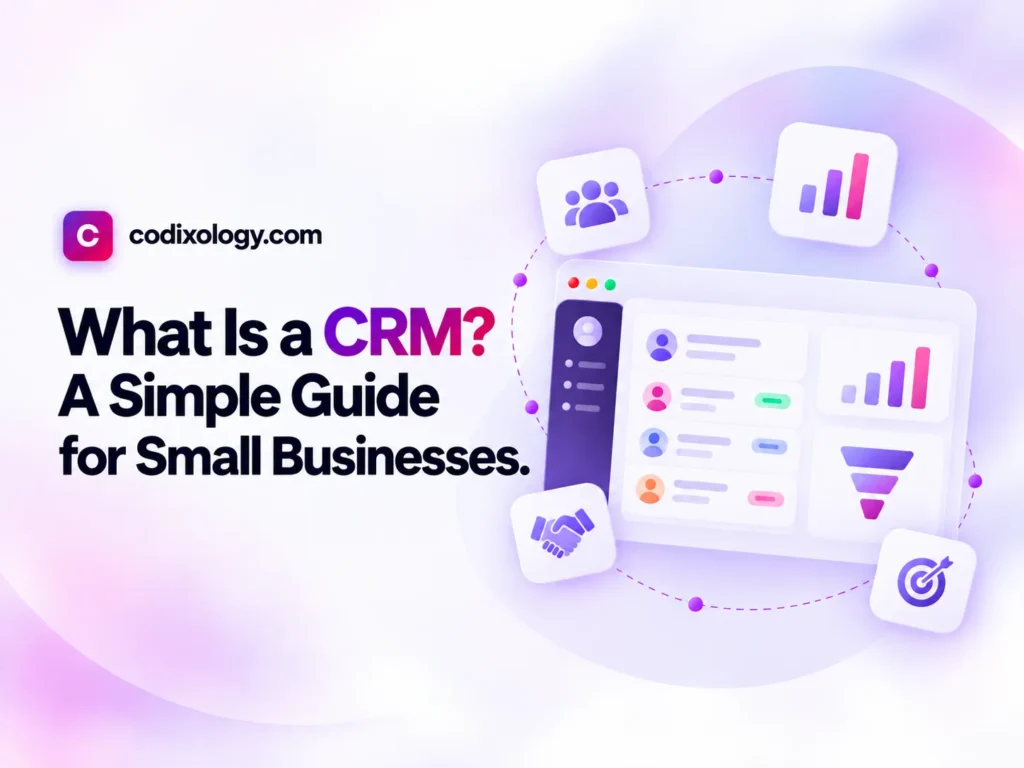
What is a CRM? It is software, usually cloud-based, that stores your contacts, leads and customers in one shared place and tracks every call, email, deal stage and follow-up with each of them. CRM stands for Customer Relationship Management, and the point of the software is that nothing about a customer relationship lives only in one person’s head or inbox. For a small business, that usually means fewer lost leads and a team that can pick up any conversation where someone else left off.
If you have ever lost a promising lead in a messy spreadsheet, or forgotten to follow up with a customer who was ready to buy, you already know the problem a CRM solves. This guide covers what one does, who needs one and how it differs from the tools you already use, without the sales language most vendor sites lean on.
What a CRM is, exactly
The term “CRM” is used in three related ways, and it helps to know the difference:
- CRM as a strategy: the overall approach a business takes to build and keep customer relationships.
- CRM as a process: the day-to-day work of tracking leads, following up and moving people through a sales or support pipeline.
- CRM as software: the tool (HubSpot, Pipedrive or Zoho, for example) that supports the strategy and the process.
When people ask “what is a CRM,” they almost always mean the software, so that is what this guide covers. In practice a CRM is a central database of your contacts and customers, plus tools to log communication, manage a sales pipeline and automate routine follow-ups. It works as a shared memory for the business, one that does not forget, call in sick or leave the company with your customer knowledge.
What a CRM does
A modern CRM handles several connected jobs. Not every business uses every feature, but this is the full picture.
1. Contact and company records
Every person and company you deal with gets a record: name, email, phone, company, role and a history of every interaction. Instead of digging through old emails to remember who someone is, you open their record and see the whole picture. Deals, tasks and notes attach to the same record, so one search brings up everything you know about a customer.
2. Pipeline and deal tracking
Most CRMs split your sales process into stages, such as New Lead, Contacted, Proposal Sent, Negotiation and Closed Won or Lost. This usually appears as a visual pipeline (often called a kanban board), so you can see at a glance where every deal stands.
3. Activity and communication logging
Calls, emails, meetings and notes get logged against each contact, automatically or by hand. If a teammate goes on leave, whoever picks up the account can read the history and continue the conversation without asking the customer to repeat themselves.
4. Task and follow-up reminders
A CRM prompts you or your team to follow up at the right time. This is one of the most underrated features, because most missed sales are lost to a follow-up that never happened rather than to price or fit.
5. Reporting and visibility
A CRM shows where deals are stuck, how many leads convert and which team members or channels perform best. For a small business owner, “I think sales are okay” turns into an answer backed by numbers.
6. Automation
Many CRMs can send a welcome email, assign a new lead to the right person or move a deal to the next stage when a condition is met, which cuts down repetitive manual work.
Why businesses use a CRM
The purpose of a CRM comes down to one idea: a customer relationship should not depend on what one person remembers or what sits in their inbox. Common reasons small businesses adopt one:
- Leads stop falling through the cracks. Every inquiry gets logged and tracked, so follow-ups happen.
- The team stays aligned. Anyone can see the status of a deal or customer without asking around.
- Growth does not break the process. A spreadsheet works for 20 contacts; it becomes unmanageable at 500.
- Customer history is preserved. When a team member leaves, the relationship data stays with the business.
- Decisions get easier. You can see which leads are worth chasing and which channels bring the best customers.
Who needs a CRM?
Not every business needs one on day one. A solo freelancer with five regular clients may be fine with a notebook. A CRM tends to earn its place once any of these apply:
| Situation | Why A CRM Helps |
| More than one person talks to customers | Prevents duplicate or conflicting outreach |
| You’re generating leads regularly (ads, forms, referrals) | Stops leads from getting lost or forgotten |
| Your sales cycle has multiple steps or touchpoints | Keeps track of where each deal actually stands |
| You’ve ever said “wait, did we already follow up with them?” | A clear sign information is scattered |
| You want to measure and improve your sales process | You can’t improve what you can’t see |
If none of that sounds like your business yet, that is a fair place to be, and our guide on when to get a CRM goes deeper on timing. A few ways to check whether you are ready now:
- Audit your current system. If “the system” is a shared spreadsheet or someone’s inbox, write down what breaks when that person is unavailable.
- Count your active leads. If you cannot quickly say how many are in progress, visibility is already a problem.
- Ask your team. If more than one person handles customer conversations, ask whether they feel confident picking up where someone else left off.
- Start simple. You do not need every feature on day one. A basic CRM that the whole team logs activity in beats a powerful one that half the team ignores.
What a CRM is not
A few common misconceptions worth clearing up:
- It is more than a contact list. A spreadsheet stores names; a CRM tracks relationships, history and pipeline stage over time.
- It is not only for sales teams. Many businesses use one for customer support, account management or even hiring pipelines.
- It is not automatically complicated. Some are simple to set up in an afternoon; complexity depends on the tool and how much you configure.
- It does not replace judgment. It organizes information and reminds you of tasks, but decisions about how to handle a customer are still yours.
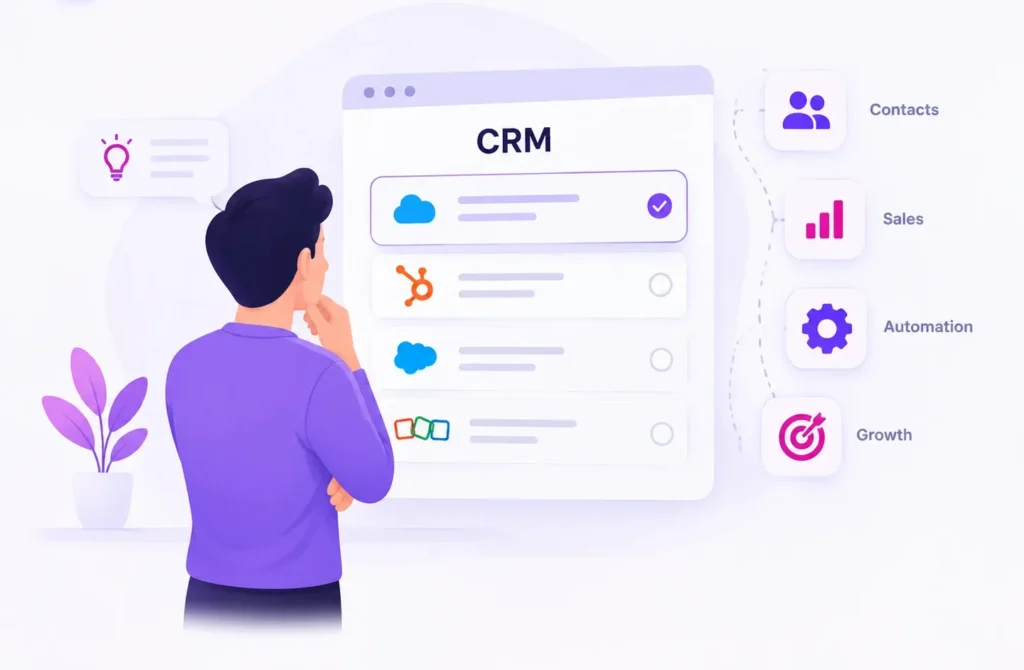
CRM terms you will run into
A short glossary, since CRM software comes with its own vocabulary:
- Lead: a potential customer who has not converted yet.
- Pipeline: the stages a deal moves through, from first contact to close.
- Contact record: the profile page for one person, with their details and history.
- Deal (or opportunity): a specific potential sale being tracked.
- Automation (or workflow): a rule that triggers an action on its own, such as sending an email when a form is submitted.
- Segmentation: grouping contacts by shared traits (industry, location, interest) for targeted outreach.
How a CRM fits into a small business day
Here is a simplified, hypothetical example. A visitor fills out a contact form on your website. The CRM creates a new contact record and alerts the assigned team member. That person reaches out, logs the call and moves the deal to “Proposal Sent.” A few days later, the CRM reminds them to follow up because no reply has come in. When the deal closes, the record stays in the system, so if that customer returns in six months the full history is there. None of this needs a large team or a big budget, only a system that remembers so people do not have to.
How a CRM differs from tools you already use
It is easy to confuse a CRM with tools that solve related problems. Here is how they compare:
| Tool | What It’s Built For | What it’s missing for Customer Management |
| Spreadsheets (Excel, Google Sheets) | Storing Structured Data | No automated reminders, no activity history, breaks down with multiple editors |
| Email Inbox | One-to-one Communication | Not shared, not searchable across a team, no pipeline view |
| Project Management Tool (Asana, Trello) | Tracking Internal Tasks and Projects | Not built around contacts, deals, or customer history |
| Accounting Software | Invoicing and financial records | Tracks transactions, not relationships or conversations leading up to them |
| CRM | Managing relationships and pipeline over time | Purpose-built for this; the other tools above are workarounds |
None of these tools are wrong to use, and plenty of small businesses run for years on spreadsheets and email. The difference is that a CRM is built for the specific job of tracking relationships over time, across a team, with reminders included. As a business grows past a handful of contacts, the workarounds take more manual effort to keep accurate.
Related reading
Once you know what a CRM is, the next questions are whether you need one and which one fits your business:
- Do I need a CRM? An honest answer for small teams
- Best CRM for small business, compared
- HubSpot Free CRM review
The bottom line
A CRM is a system that remembers your customer relationships so your business does not depend on memory, scattered notes or one person’s inbox. It will not fix a broken sales process on its own, but it gives you the visibility and structure to build a better one. If you are weighing whether now is the right time, or which option fits your business and budget, our other guides cover both. Whatever you pick, the habit of logging activity consistently matters more than the feature list. Our CRM rankings compare real options, pricing and who each one suits best.
Frequently asked questions
What does CRM stand for?
CRM stands for Customer Relationship Management. It refers both to the strategy of managing customer relationships and to the software used to support that strategy.
Is a CRM only for sales teams?
No. While sales is the most common use case, CRMs are also used for customer support, account management, marketing, and even recruiting, anywhere ongoing relationships with people need to be tracked.
What’s the difference between a CRM and an email inbox?
An inbox holds messages for one person. A CRM holds a shared, structured record of contacts, deals, and history that an entire team can access, search, and update together.
Do I need technical skills to use a CRM?
Most modern CRMs are built for non-technical users, with drag-and-drop pipelines and simple contact forms. Some setup (like importing existing contacts) may take a bit of time, but day-to-day use generally doesn’t require any coding or technical background.
How much does a CRM cost?
Pricing varies widely, from free plans with limited features to paid plans charged per user per month. We break down real CRM pricing in our CRM cost guide.
Can a very small business (just one or two people) use a CRM?
Yes. Many CRMs offer free or low-cost plans suited to solo founders and small teams. Whether it’s worth the setup time depends on how many leads and customers you’re managing, see our guide on do I need a CRM to decide.
7 comments