
CRM vs Spreadsheet: When to Make the Switch
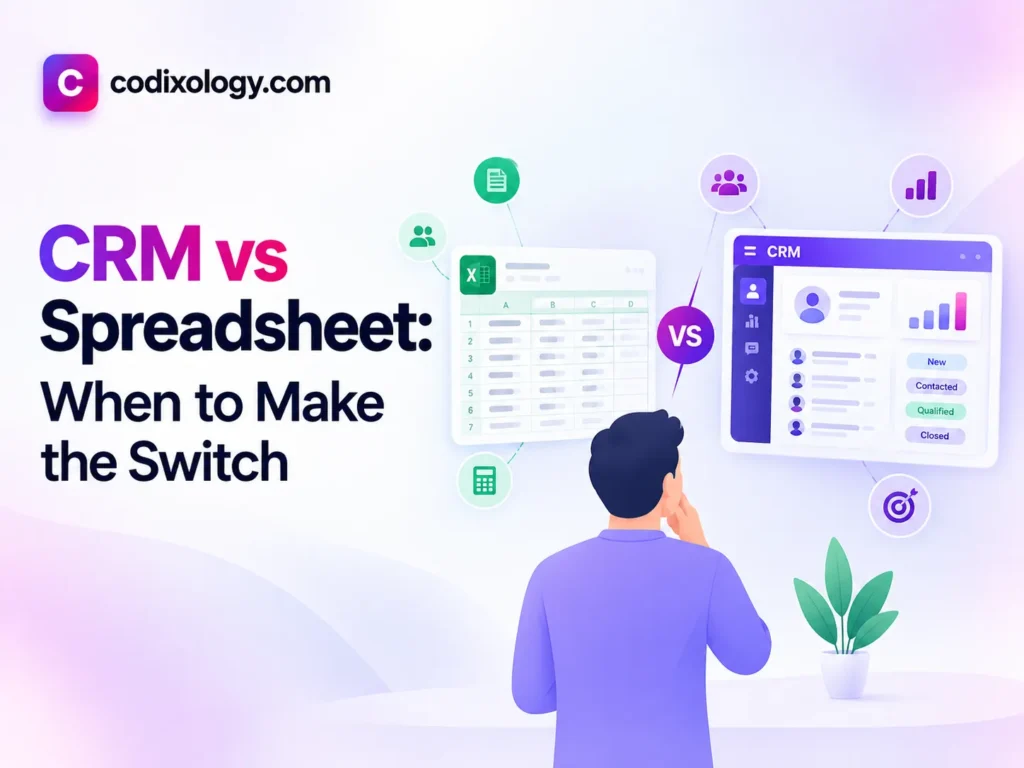
In the CRM vs spreadsheet decision, a spreadsheet is fine while one person manages a small, stable list with a simple process, and a CRM becomes the better tool once more than one person edits the file, follow-ups get missed, or you cannot say how many deals are active without scrolling. A solo founder with under 30 contacts can stay on an excel CRM. A team of two to five with 30 to 150 contacts is at the decision point, and a team of five or more with 150+ contacts, or any business with several lead sources, should move to a dedicated CRM.
CRM vs spreadsheet: the core difference
A spreadsheet is a general-purpose tool for storing structured data in rows and columns. A CRM is built for one job: tracking relationships, follow-ups and a sales pipeline over time, with automation and shared visibility included.
Put a CRM next to a spreadsheet and the spreadsheet wins on simplicity and cost. The CRM wins on everything that happens after you enter the data: reminders, history, team visibility and reporting. Neither is better in every case. The right tool depends on where your business is right now.
What an excel CRM looks like
An “excel CRM” is a spreadsheet with columns for contact name, company, deal stage, last contact date and notes. It is a legitimate, low-cost way to track customer relationships while your list is small and your process is simple. Its weakness is that it depends on human discipline to stay accurate, and discipline breaks down as volume and team size grow.
Side-by-side comparison
| Factor | Spreadsheet (Excel CRM) | Dedicated CRM |
| Cost | Usually free, if you already have the software | Free tiers available; paid plans typically per user |
| Setup time | Minutes | Minutes to a few hours |
| Automated follow-up reminders | No, fully manual | Yes, built in |
| Shared team editing | Prone to conflicts, overwritten data, version chaos | Built for simultaneous multi-user access |
| Activity history per contact | Manual entry, easy to forget | Often logged automatically |
| Scales past 50-100 contacts | Gets unreliable fast | Built for this |
| Mobile access | Awkward on most spreadsheet apps | Usually a dedicated mobile experience |
| Reporting | Manual formulas, easy to break | Built-in dashboards |
Why spreadsheets work at first
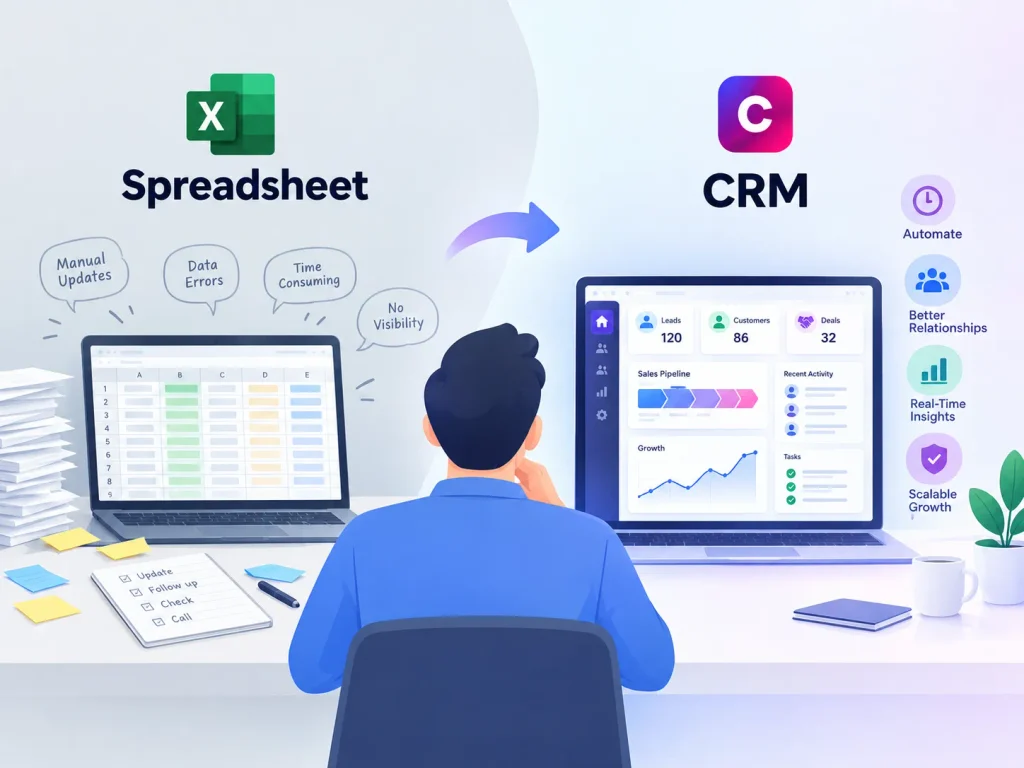
The spreadsheet earns its place early on. It is free and familiar if your team already uses Excel or Google Sheets, you can structure the columns however you want, and you can be tracking leads within minutes. A handful of contacts managed by one person rarely needs more.
For a solo founder with a dozen active leads, an excel CRM is a reasonable choice.
Where spreadsheets start to break down
The cracks appear in predictable ways.
1. Duplicate and conflicting entries
Once more than one person edits the same sheet, duplicate rows and conflicting updates become common, especially when two people update the same lead at the same time without realizing it.
2. No automated follow-up reminders
A spreadsheet does not tell you when to follow up. Any reminder system has to be built and maintained by hand, usually in a separate calendar or on a sticky note, and that extra step is where things get missed.
3. Version confusion
“Which version is the current one?” becomes a real question once a file is emailed around, downloaded, edited offline and re-uploaded by several people. A CRM has one record of each contact by design.
4. Limited visibility into the pipeline
Answering “how many deals are we working on right now?” in a spreadsheet means scanning rows and filtering columns. A CRM shows the same thing as a live, visual pipeline.
5. No real activity history
A cell might say “follow up sent,” but it will not show you the email itself, the date, or the full back-and-forth. A CRM keeps that history attached to each contact automatically.
6. It breaks down while you are growing
Spreadsheets tend to fail right when the business is succeeding: leads increase, you hire your first salesperson, or the process gains a few more steps. The tool that got you started becomes the thing slowing you down.

Signs it is time to stop using spreadsheets
Go through this checklist honestly:
- More than one person now touches the spreadsheet regularly
- You have lost track of a lead or forgotten a follow-up at least once
- You cannot quickly answer how many active deals you have
- Duplicate contact rows have started appearing
- Your team spends real time formatting or cleaning the sheet
- Your lead volume is growing and you expect that to continue
If three or more of these are true, your own growth has already made the decision for you. Still unsure? Picture your busiest week in the last three months and ask whether a follow-up got delayed or a lead got contacted twice.
CRM vs spreadsheet by business size
A general guide by stage:
| Business stage | Typical fit |
| Solo founder, under 30 contacts | Excel CRM is usually fine |
| Small team (2-5 people), 30-150 contacts | CRM vs spreadsheet decision point; watch for the warning signs above |
| Growing team (5+ people), 150+ contacts | Dedicated CRM strongly recommended |
| Multiple lead sources or channels | Dedicated CRM recommended regardless of size |
Treat the table as a guide rather than a cutoff. Some very small teams with a complex, multi-step sales process need a CRM earlier, and some larger, simple operations get by longer on a spreadsheet.
Common CRM vs spreadsheet myths
“A CRM is only worth it once we’re a real company.” Plenty of solo founders and two-person teams get value from a simple CRM the moment their sales process gains a second step. Coordination complexity matters more than headcount.
“Our excel CRM has never lost data, so it’s fine.” Not losing data outright is different from not losing time, follow-ups or leads. Many spreadsheet problems stay invisible until a specific incident exposes them.
“Switching from a spreadsheet to a CRM is a huge project.” For most small businesses, moving a few hundred contacts into a CRM takes an afternoon, especially with clean starting data.
“A CRM is basically a fancier spreadsheet.” A CRM does store data in structured records, similar to rows and columns. The difference is the automation, reminders and shared real-time access.
A hypothetical example
Consider a hypothetical two-person consulting business that starts with a simple spreadsheet: name, company, status, next step. For the first year it works well. They know every client personally and rarely lose track of anything.
Eighteen months in, they hire a part-time assistant to handle outreach. Within a few weeks, two leads get contacted twice because the assistant and the founder are working from unsynced copies of the file. That one incident, avoidable with shared real-time access and automatic logging, pushes them to a dedicated CRM. The switch rarely happens because a spreadsheet stops working all at once; a specific, costly mistake makes the hidden risk visible.
Making the switch: what to expect
The general process:
- Clean up the spreadsheet first. Remove duplicates and outdated entries before importing, because a CRM will faithfully preserve whatever mess you bring into it.
- Choose a CRM that fits your budget and process. Many are free for small teams to start; see our picks for the best free CRM software.
- Import your contacts. Most CRMs accept a CSV or Excel file and let you map your existing columns to their fields.
- Recreate your pipeline stages. Match the CRM’s pipeline to however your spreadsheet tracked deal status, so the change feels familiar.
- Set a cutover date. Pick a specific day to stop updating the spreadsheet and use only the CRM, so you do not end up maintaining both indefinitely.
The cost side of CRM vs spreadsheet
A spreadsheet is free if you already have the software, and many dedicated CRMs offer free tiers for small teams, so the price gap at the point of switching is often smaller than people expect.
The larger cost of staying on a spreadsheet is staff time: formatting, deduplicating and chasing follow-ups that a CRM would handle on its own. That time costs money even without a monthly invoice attached, so count both sides of the ledger instead of only the CRM’s sticker price.
When it is still fine to stay with a spreadsheet
Staying with an excel CRM setup is still reasonable when:
- You are a solo operator with a small, stable number of contacts.
- Your process is simple, with no real multi-stage pipeline.
- Nothing is currently getting lost or duplicated.
- You are testing a business idea and do not want to add tools yet.
There is no prize for switching early. The right time is when the spreadsheet’s limits start costing you time, leads, or your team’s trust in the data.
Our take on timing the switch
At Codixology, our view is that a business switching after a specific, painful incident (a lost deal, a duplicated outreach, a data loss scare) has an easier time adopting the new system than one switching “just because,” since a concrete reason produces stronger buy-in. The limitation of a spreadsheet was never storage capacity. It is the missing automation and shared visibility that a dedicated CRM provides by default.
Related reading
- What is a CRM? A simple guide
- Free vs paid CRM: which is right for your business?
- Do you really need a CRM? An honest answer for small teams
Which one to use
A spreadsheet is a fine starting point for a small, simple operation. Once you see duplicate entries, missed follow-ups or team visibility problems, move to a dedicated system. Our picks for the best free CRM software are a good place to start.
Frequently asked questions
Is a spreadsheet a real CRM, or just a workaround?
A spreadsheet can function as a basic CRM for very small, simple operations. It’s a legitimate workaround, not a “fake” solution, but it lacks the automation, shared reliability, and reporting that a dedicated CRM provides as volume grows.
What’s the biggest risk of sticking with a spreadsheet too long?
Lost or duplicated leads from version conflicts and missed manual follow-ups. These issues tend to compound quietly until a specific incident makes the cost visible.
Can I export my spreadsheet data directly into a CRM?
Yes. Most CRMs support CSV or Excel import and let you map your existing columns to their fields, which makes migrating existing data straightforward.
How do I know if my team has outgrown our excel CRM?
Watch for duplicate entries, missed follow-ups, and difficulty answering basic pipeline questions quickly. The checklist in this guide covers the clearest signals.
Will switching to a CRM slow my team down at first?
There’s usually a short adjustment period while your team learns the new interface, but most CRMs are designed to be intuitive, and the checklist-style migration steps above help minimize disruption.
Is it possible to use both a spreadsheet and a CRM at the same time?
Technically yes, but it’s not recommended long-term. Running both usually recreates the version-confusion problem a CRM is meant to solve. It’s best treated as a short transition period, not a permanent setup.
Is an excel CRM ever better than a dedicated CRM?
For a very small, simple operation, an excel CRM can be genuinely more practical, since it requires no new software and no learning curve. Once a team or contact list grows, a dedicated CRM’s automation tends to outweigh that simplicity.
How do I decide between CRM vs spreadsheet if I’m still unsure?
Try the checklist in this guide first. If you’re honestly unsure after that, a low-risk approach is to trial a free CRM alongside your spreadsheet for a few weeks and see whether the automated reminders and shared visibility make a noticeable difference to how your team works.
What’s the single clearest sign the CRM vs spreadsheet decision is overdue?
Losing track of an active deal, forgetting a follow-up you meant to send, or discovering two team members contacted the same lead independently. Any one of these is a concrete, low-ambiguity signal that a spreadsheet’s limitations have become a real cost.

4 comments