
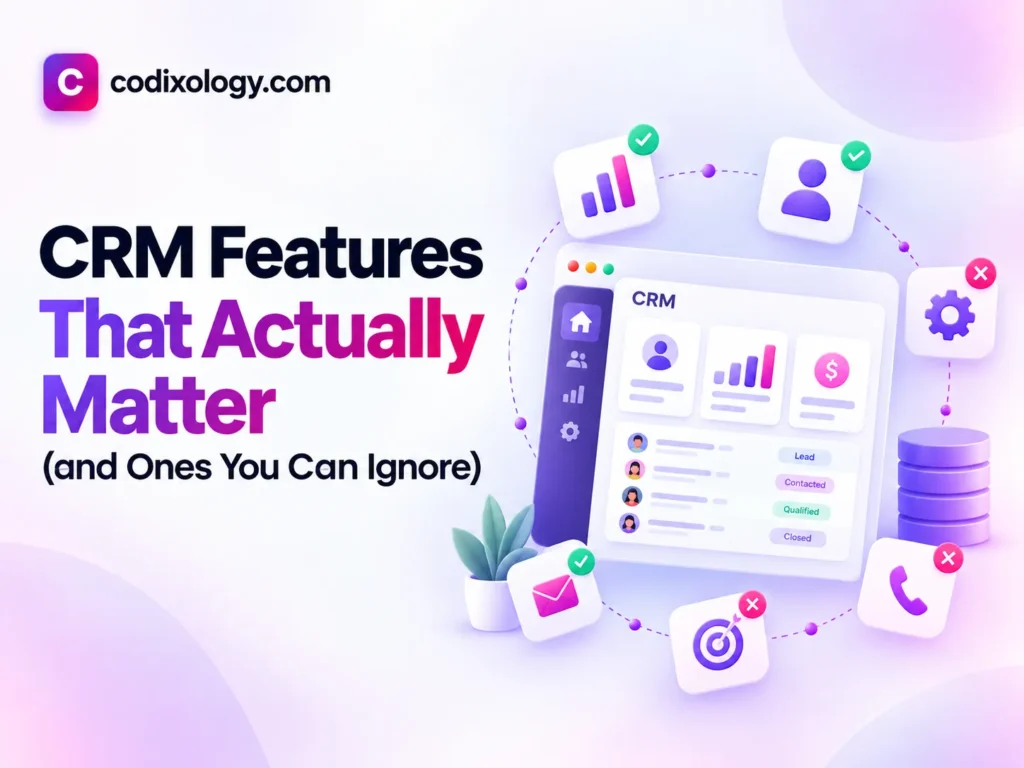
The CRM features that actually matter for a small business are the ones your team touches every day: a pipeline you can shape to your own sales stages, contact records that hold the full history, follow-up reminders, email logging, basic pipeline reporting, mobile access if anyone works off-desk, fast search, and clean import and export. AI lead scoring, advanced marketing automation, deep workflow builders, multi-team permissions and built-in dialers can wait until a specific need shows up. If you are comparing plans, pick the cheapest tier that covers the first group and treat the second group as a tiebreaker. The rest of this guide explains why, with a reference table and a hypothetical example of how the best CRM features play out when two plans sit side by side.
Why the feature list decides what you pay
Every CRM pricing page reads like an arms race: AI lead scoring, predictive analytics, omnichannel this, intelligent that. Feature lists set the pricing tiers, so paying for a tier because it includes “AI-powered insights” you will never configure is money spent on nothing. The opposite mistake costs too. Skipping a feature your team needs to save a few dollars a month usually costs more in wasted time and missed follow-ups than the upgrade would have. Sorting essential from optional is one of the highest-leverage decisions in choosing a CRM.
CRM features that actually matter
These eight features make a measurable difference in day-to-day use for small businesses. They are the ones to check first on any plan.
1. A clear, customizable pipeline
The visual pipeline, with deals moving through stages like New Lead, Contacted, Proposal and Closed, is the screen most people open every day. What matters is whether you can change those stages to match your own process instead of living with a generic default. A pipeline that does not reflect your real sales stages creates friction every time you use it, and friction is what kills adoption.
2. Contact and company records with full history
Every call, note and email should sit on one clear contact record. This is what makes a CRM more useful than a spreadsheet or an inbox: anyone on the team can open a record and understand the whole relationship at a glance. Without it you lose the main benefit of a CRM, which is a shared, reliable memory across the team.
3. Task and follow-up reminders
Automated prompts to follow up at the right time. This one feature often prevents more lost revenue than any other, because most missed sales come from a follow-up that never happened rather than from losing on price or fit. A reminder turns “we should follow up with them” into a scheduled action instead of a good intention that quietly disappears.
4. Email integration and logging
Your CRM should connect to the inbox you already use (Gmail or Outlook) so emails log against the right contact on their own, with no copy and paste. Manual logging does not survive a busy week. If logging takes extra effort it stops happening, and your contact history goes stale.
5. Basic reporting on pipeline and conversion
You do not need advanced analytics, but you do need answers to basic questions: how many deals are open, what the conversion rate is by stage, and where deals get stuck. This is what turns a CRM from a record-keeping tool into something that improves how you sell.
6. Mobile access
If anyone on your team works away from a desk (sales visits, on-site service, events), a working mobile app or mobile-friendly web view is a requirement. A CRM your team can only update at a desk misses the field updates, and those are often the most important customer interactions you have.
7. Simple, reliable search
Typing a name or keyword and finding the contact, deal or note right away. It sounds basic, but search gets used constantly, and a slow or flaky search hurts daily usability more than almost any other single flaw. When finding information takes too long, people stop looking things up and go back to relying on memory, which defeats the point of having a CRM.
8. Straightforward data import and export
You should be able to bring your existing contacts in cleanly when you start, and take your data out freely if you ever switch tools. This is easy to overlook in a demo, since nobody migrates data during a five-minute trial, but it matters a great deal later. A CRM that makes it hard to leave with your own data is a red flag no matter how good the rest of it is.
CRM features you can usually ignore at first
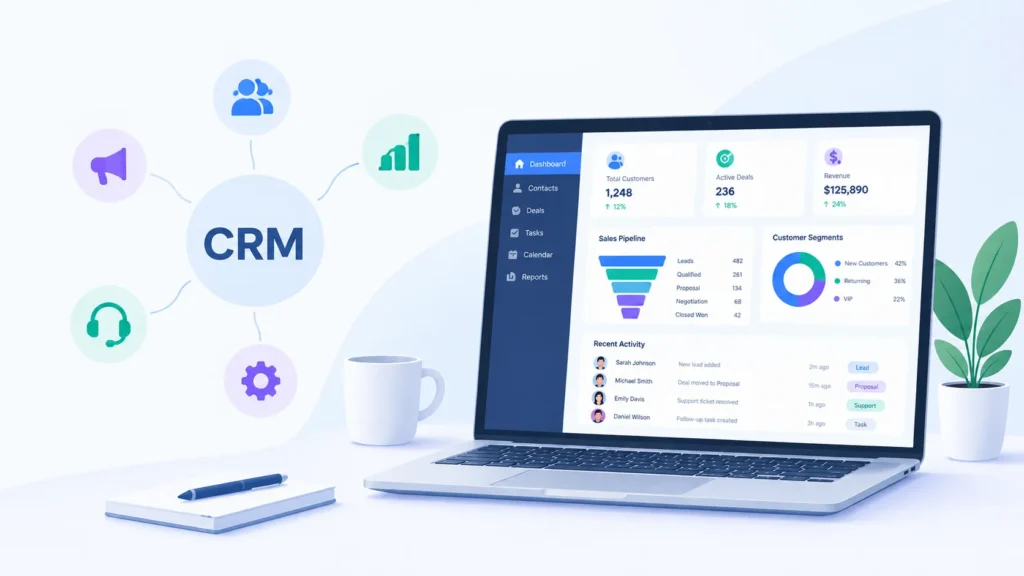
None of these are bad features, and some businesses get real use from them. For most small teams starting out, though, they add cost and setup work without a matching payoff.
1. AI-powered lead scoring
Ranking leads by their likelihood to convert sounds useful, but the scoring needs a meaningful volume of historical data to be accurate. A small business with modest lead volume tends to get unreliable scores that are not worth the added cost.
2. Advanced marketing automation
Multi-step drip campaigns, behavioral triggers and complex segmentation suit teams running a serious marketing operation. Most small businesses do not need that level of automation on day one, and it adds real setup complexity.
3. Deep custom field and workflow builders
Building fully custom data structures and automated workflows pays off at scale. For a small team, default fields and simple automations usually cover the real needs without the learning curve.
4. Multi-team permission hierarchies
Granular permissions (who can see what, across departments) matter in larger organizations. A five-person team rarely needs them, and configuring them can eat hours better spent elsewhere.
5. Native phone and dialer systems
Built-in calling is convenient if your team makes a high volume of calls every day. If the phone is not your main contact channel, this is an easy feature to skip when comparing plans.
Quick reference table: which CRM features matter
| Feature | Priority | Reason |
| Customizable pipeline | Essential | Core daily interface; must match your real process |
| Contact/company records with history | Essential | The core value of a shared, reliable memory |
| Task/follow-up reminders | Essential | Prevents the most common cause of lost deals |
| Email integration | Essential | Manual logging does not survive a busy week |
| Basic pipeline reporting | Essential | Turns record-keeping into actual improvement |
| Mobile access | Essential (if team works off-desk) | Field updates matter as much as office updates |
| Reliable search | Essential | Undermines daily use if slow or unreliable |
| Clean import/export | Essential | Protects your ability to migrate or leave freely |
| AI lead scoring | Optional | Needs volume to be accurate; often unreliable at small scale |
| Advanced marketing automation | Optional | High setup cost for benefit most small teams won’t use |
| Custom workflow builders | Optional | Powerful at scale, steep learning curve for small teams |
| Multi-team permissions | Optional | Matters more as organizations grow larger |
| Native dialer | Optional | Only essential if calling is your primary channel |
A hypothetical example: essentials vs extras in practice
Consider a hypothetical three-person consulting firm comparing two plans from the same CRM provider. The cheaper mid-tier plan includes a customizable pipeline, contact history, email integration, reminders and basic reporting, which covers everything on the essential list above. The more expensive top tier adds AI lead scoring, advanced marketing automation and custom permission hierarchies.
On paper the top tier looks like more value. This firm, though, has a small and stable client base, no marketing team running automated campaigns, and no need for department-level permissions because everyone already sees everything. None of the top-tier additions solve a problem the firm has.
They pick the mid-tier plan, save the difference each month, and six months later still have not found a use for the features they skipped. Extra features only create value when they map to a real, current need. Appearing on a pricing page is not a need.
How to apply this when comparing CRMs
- Work through the essential list first and drop any CRM, or any pricing tier, that does not include all of it at a price you can afford.
- Use the optional list as a tiebreaker. If two shortlisted CRMs both cover your essentials, the optional features can help you choose between them, but they should not drive the decision on their own.
- Watch for essentials locked behind higher tiers. Some providers put reporting or email integration on a mid or top tier. Check this specifically rather than assuming the entry tier covers the basics.
- Revisit the optional features later. As your business grows, some of them may become useful. Upgrade for them when the need is real and specific, and not before.
What drives CRM adoption
Across the CRM platforms we compared, the clearest pattern is that adoption tracks how well the essential features work (pipeline, contact history, reminders and search), not how many advanced features a plan includes. A CRM with a clunky AI add-on but a fast, reliable core is an easier tool for a team to keep using than one with more advanced capabilities and a slower, more confusing daily interface.
Related reading
- What is a CRM? A simple guide
- How to choose a CRM: a 7-step framework
- Do you really need a CRM? An honest answer for small teams
Where to start
Buy for the features you will use every day: a pipeline that matches your process, reliable contact history, follow-up reminders and fast search. Everything else is worth having eventually, but it should not drive your first decision or your budget. Once a specific need shows up, treat the extras as upgrades.
To see how the leading tools handle these essentials, compare our CRM rankings.
Frequently asked questions
What’s the single most important CRM feature for a small business?
A customizable pipeline paired with reliable follow-up reminders. Together, these address the two most common failure points: deals not matching your real process, and follow-ups simply not happening.
Do I need AI features in a CRM?
Not usually, for most small businesses starting out. AI-powered features like lead scoring typically need a meaningful volume of historical data to be genuinely useful, which most small teams don’t yet have.
Is mobile access really essential, or is that overstated?
It depends entirely on your team. If anyone works away from a desk regularly (sales visits, service calls, events), it’s essential. If your whole team works from a computer all day, it’s less critical.
Should I pay more for advanced reporting?
Only if you’ve identified a specific question basic reporting can’t answer. Most small teams get real value from basic pipeline and conversion reporting; advanced dashboards matter more as team size and data volume grow.
What if a CRM I like is missing one essential feature?
Check whether it’s available on a different pricing tier, or whether a simple integration can cover the gap. If neither is possible, it’s worth treating that as a genuine dealbreaker rather than working around it long-term.
Can I add features later as my business grows?
Yes, most CRMs let you upgrade tiers or add features as needed. This is actually the recommended approach: start with essentials, add optional features once a specific, real need appears.
What if a feature seems essential on this list but I genuinely never use it?
Trust your own usage patterns over any general list, including this one. These categories reflect what tends to matter for most small businesses, but your specific workflow is the ultimate test of what’s actually essential for you.
7 comments