
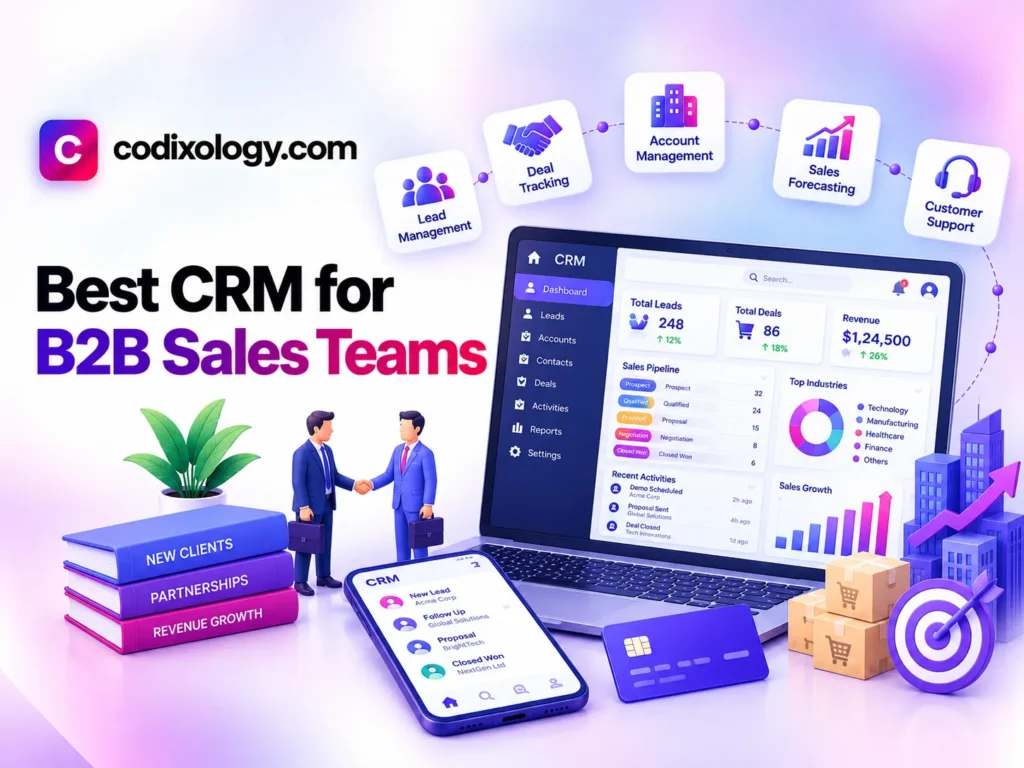
The best CRM for B2B sales teams is usually HubSpot CRM: its free tier already handles multi-contact accounts, deal stages, and email tracking, and the paid plans add the forecasting and win-rate reporting a sales manager needs as the team grows. Pipedrive is the pick for small teams that mostly want a clear visual view of a handful of deals, Close suits outbound-heavy teams that want calling and email inside the CRM, Zoho CRM keeps per-seat costs down as headcount grows, and Salesforce is for larger organizations with complex approvals. Whatever you pick, the feature that matters most in B2B is account-level tracking, because deals with five decision-makers and a three-month evaluation fall apart in a tool that treats every contact as a separate record.
What B2B sales teams need from a CRM
Many CRMs are built for high-volume, low-touch sales where one person decides quickly. B2B deals work differently: they take longer, involve several people on the buyer’s side, and carry enough revenue each that a manager wants to forecast them. That changes what the software has to do.
- Track several contacts under one account. A single deal often involves a champion, a budget holder, and a technical reviewer, and the CRM should show all of them on the same account record.
- Let you define pipeline stages that match your real process. Default stages rarely line up with how a specific B2B sale moves from first call to signed contract.
- Report on forecast, win rate, and deal velocity. Each B2B deal is worth enough that managers need to see where revenue is likely to land.
- Connect to email and calendar. Months of back-and-forth need to stay visible to the whole team.
- Cope with deals that sit open for months. A tool designed around quick one-touch sales can feel awkward when an opportunity stays in the same stage for six weeks.
Best CRM for B2B: quick comparison
| CRM | Known for | Good fit for | Free tier available |
| HubSpot CRM | Free tier, strong reporting as you scale | B2B teams wanting an all-in-one growth platform | Yes |
| Pipedrive | Visual, pipeline-first design | Teams that want a clear, simple deal-stage view | Free trial |
| Salesforce | Deep customization, enterprise-grade reporting | Larger B2B teams with complex, multi-department needs | No |
| Zoho CRM | Affordable per-seat pricing at scale | Growing B2B teams watching software costs closely | Yes (limited) |
| Close | Built-in calling and email for outbound-heavy teams | B2B teams running high-volume outbound sales | Free trial |
The five options in more detail
HubSpot CRM
HubSpot’s free tier covers the B2B basics without an upfront cost: accounts with multiple contacts, deal stages, and email tracking. The free plan supports up to 2 users and 1,000 contacts, which is enough for a two-person team to run its pipeline before advanced reporting becomes necessary. When the team outgrows that, the same platform scales into deeper reporting and marketing tools, so there is no migration later. Our best CRM for small business comparison shows how it stacks up against general-purpose options.
Pipedrive
Pipedrive is built around a visual pipeline, so a rep can see where every deal stands and what the next step is without digging through menus. It keeps attention on moving deals forward instead of on features most small teams never open. We compare its strengths and limitations against HubSpot in a separate post.
Salesforce
Salesforce has the deepest customization and reporting of anything on this list. That suits larger B2B organizations with complex approval processes or several departments that each need their own view of the pipeline. The cost is a steeper learning curve and a higher price than the simpler tools, and that price rarely makes sense for teams under a certain size or deal complexity.
Zoho CRM
Zoho’s per-seat pricing stays reasonable as a team grows, which matters when a company is adding reps and does not want software costs to climb at the same rate. It has enough depth for most growing B2B teams without enterprise-level pricing.
Close
Close puts calling and email directly inside the CRM. For a team doing high-volume outbound prospecting, that means reps can make a large number of calls and send a large number of emails from one screen instead of switching between a dialer, an inbox, and the pipeline.

B2B CRM vs. B2C CRM
The difference between a CRM that handles B2B well and one that does not usually comes down to how it treats accounts versus individual contacts.
| B2C-oriented CRM | B2B sales CRM | |
| Primary unit | Individual contact | Account, with multiple linked contacts |
| Sales cycle assumption | Short, often single-touch | Longer, multi-touch, multi-stakeholder |
| Reporting focus | Volume and conversion rate | Deal velocity, win rate, forecast accuracy |
A business selling to individual consumers rarely needs the account structure that B2B sales depend on. If your deals involve several stakeholders, a strong account-level view should weigh more in your decision than a long feature list.
Matching the CRM to your sales motion
How your team generates and closes deals is a better guide to the right CRM than company size.
| Sales motion | Typical priority | Common pick |
| Inbound, consultative | Account tracking, reporting depth | HubSpot CRM |
| High-volume outbound | Calling and email built in | Close |
| Enterprise, complex approvals | Customization, advanced permissions | Salesforce |
| Lean, budget-conscious team | Affordable per-seat pricing | Zoho CRM, Pipedrive |
Treat this as a starting filter. An outbound-heavy team might still prefer HubSpot’s reporting, and an inbound team might want Pipedrive’s simplicity. A ten-person SaaS sales team working structured, multi-stage evaluations with several stakeholders per deal will lean toward HubSpot’s account-level reporting; a three-person consulting firm with a handful of active deals usually wants Pipedrive’s visual clarity and little else. The table is most useful when you are narrowing a long list down to two or three trials.
Pricing considerations for B2B teams
Three pricing points are worth checking before you commit.
- Per-seat pricing scales with headcount. Model the cost at the team size you expect in a year or two, not the size you have today, because a per-user CRM gets expensive quickly as a sales team expands.
- Free tiers can carry a small team for a while. HubSpot’s free plan covers up to 2 users and 1,000 contacts, which handles a two-person team’s basics until advanced reporting becomes necessary.
- Enterprise tools carry enterprise pricing. Salesforce’s depth comes at a cost that rarely pays off for teams below a certain size or deal complexity.
Our CRM pricing guide covers how pricing works across providers in more detail.
Why account-level tracking matters: a hypothetical example
Here’s a hypothetical example. A B2B software company selling to mid-sized enterprises tracks its deals in a spreadsheet, and each stakeholder’s contact details live in whichever rep’s inbox happened to receive them. Mid-deal, the champion at a prospect account changes roles. The rep spends weeks working out who else had been part of the conversation, because nothing links those people to the deal.
The company then moves to a CRM with account-level tracking and attaches every stakeholder to the deal record rather than to a rep’s personal contacts. The next time a champion leaves, the team can see at once who else at the account was involved, and re-engaging them takes a day instead of several weeks. The pattern holds across B2B teams: account-level visibility, more than deal-stage tracking, is what lets a CRM survive personnel changes and multi-threaded conversations over a long sales cycle.
Switching CRMs without losing deal momentum
Active deals cannot pause while reps learn a new system, so a phased rollout works better than switching everything on one day.
- Start with new deals only. Run new opportunities through the new CRM for a few weeks before migrating deals already in progress.
- Migrate high-value, active deals carefully. These are the accounts where losing stakeholder history would hurt most, so take the time to transfer them accurately.
- Keep historical deal data accessible. Past win/loss records feed forecasting and coaching, so do not let them disappear in the switch.
- Name one person for questions. A small team rarely needs formal training, but one person who knows the tool well saves everyone else time.

A checklist before you commit
Run through these questions with the sales team. Each one maps to a common mistake in choosing a B2B CRM.
- Can you see every stakeholder linked to a deal, or only the person who first replied to an email? A tool that stores contacts as isolated records makes multi-stakeholder deals hard to manage.
- Does the reporting show forecast accuracy, win rate, and deal velocity? Some simpler CRMs do not cover these well, and B2B sales managers usually need them.
- Would your reps use it every day, or keep working from personal notes and spreadsheets? Reps often need different things from the manager making the final call, so involve at least one in the trial.
- Does the pricing stay reasonable if the team doubles next year?
- Was the tool built for quick consumer transactions? If so, it probably lacks the account-level depth B2B deals require.
If most answers are yes, the tool fits your process.
Practical tips for B2B sales teams
- Map your real sales stages before you evaluate tools, instead of accepting a CRM’s default pipeline as-is.
- Test account-level tracking during the trial with a real multi-stakeholder deal, not a simple demo scenario.
- Revisit the choice as deal complexity grows. A tool that worked for simpler sales may strain under longer, more complex cycles.
- Keep a weekly pipeline review. Scanning stalled deals once a week catches problems that automated alerts miss.
- Record win/loss reasons every time. The data is far more useful for forecasting once you have a few quarters of it.
Related reading
- Best CRM for small agencies & consultancies
- Best CRM for startups that scales with you
- What does a CRM cost in 2026
The bottom line
Pick the CRM that reflects how your sales process works: several stakeholders per deal, cycles measured in months, and the forecast and win-rate reporting your manager needs. For most small B2B teams that is HubSpot CRM, with Pipedrive as the simpler alternative, Close for outbound teams, Zoho for cost control, and Salesforce once complexity justifies it. Our Pipedrive review and best CRM for small business picks will help round out a shortlist.
Frequently asked questions
What is the best CRM for B2B sales teams just getting started?
HubSpot CRM’s free tier is a reasonable starting point for one- or two-person B2B teams, since it covers account-level tracking and basic reporting for up to 2 users and 1,000 contacts without upfront cost.
Is Pipedrive good for B2B sales, or is it better suited for simpler sales?
Pipedrive works well for B2B teams that want a clear, visual pipeline, though teams with highly complex, multi-department approval processes may eventually need Salesforce’s deeper customization.
How is a B2B sales CRM different from a general small business CRM?
A B2B sales CRM typically emphasizes account-level tracking across multiple stakeholders and longer sales cycles, while a general small business CRM may focus more on simpler, single-contact deals.
Does sales pipeline software need to include reporting for a small B2B team?
Reporting becomes more valuable as a team grows, but even a small B2B team benefits from basic visibility into deal stages and forecasted revenue.
Can a B2B team start with a free CRM and upgrade later?
Yes, this is a common path. Many B2B teams start on a free tier and move to a paid plan once specific needs, like advanced reporting or more contacts, actually arise.
What’s the biggest CRM mistake B2B sales teams make?
Choosing a tool without strong account-level tracking, which makes managing multi-stakeholder deals and personnel changes significantly harder than it needs to be.
Does the best CRM for B2B change based on sales cycle length?
Somewhat. Teams with very long, multi-stage cycles tend to weigh reporting and account-level visibility more heavily, while teams with shorter cycles sometimes prioritize simplicity and speed over deep customization.
How long does it typically take a B2B team to fully adopt a new CRM?
Most teams see reasonable adoption within four to six weeks of consistent use, though full comfort with reporting features can take a bit longer as reps build the habit of logging detail consistently.

2 comments